A clearer MVP starts with a clearer design

Successful products start with a clear scope. When priorities are undefined, the product structure is unclear, or key screens are missing, development becomes harder to estimate and early feedback becomes less reliable. MVP design creates the clarity needed before development begins, helping your team focus on what matters first.

Catch gaps before they become code

Identify missing steps, unclear states, and weak product logic while changes are still faster and cheaper to make.

Clarify the first-version scope

Define what the MVP should include, what can wait, and how the core flow should work before development starts.

Make early feedback easier to trust

When the first version is clear, feedback is easier to interpret. You can see whether users respond to the product idea itself — not just react to confusing flows or missing context.

Estimate with fewer assumptions

Use flows, screens, and expected functionality to support more realistic scope, timeline, and budget planning.

From product idea to build-ready design
Research
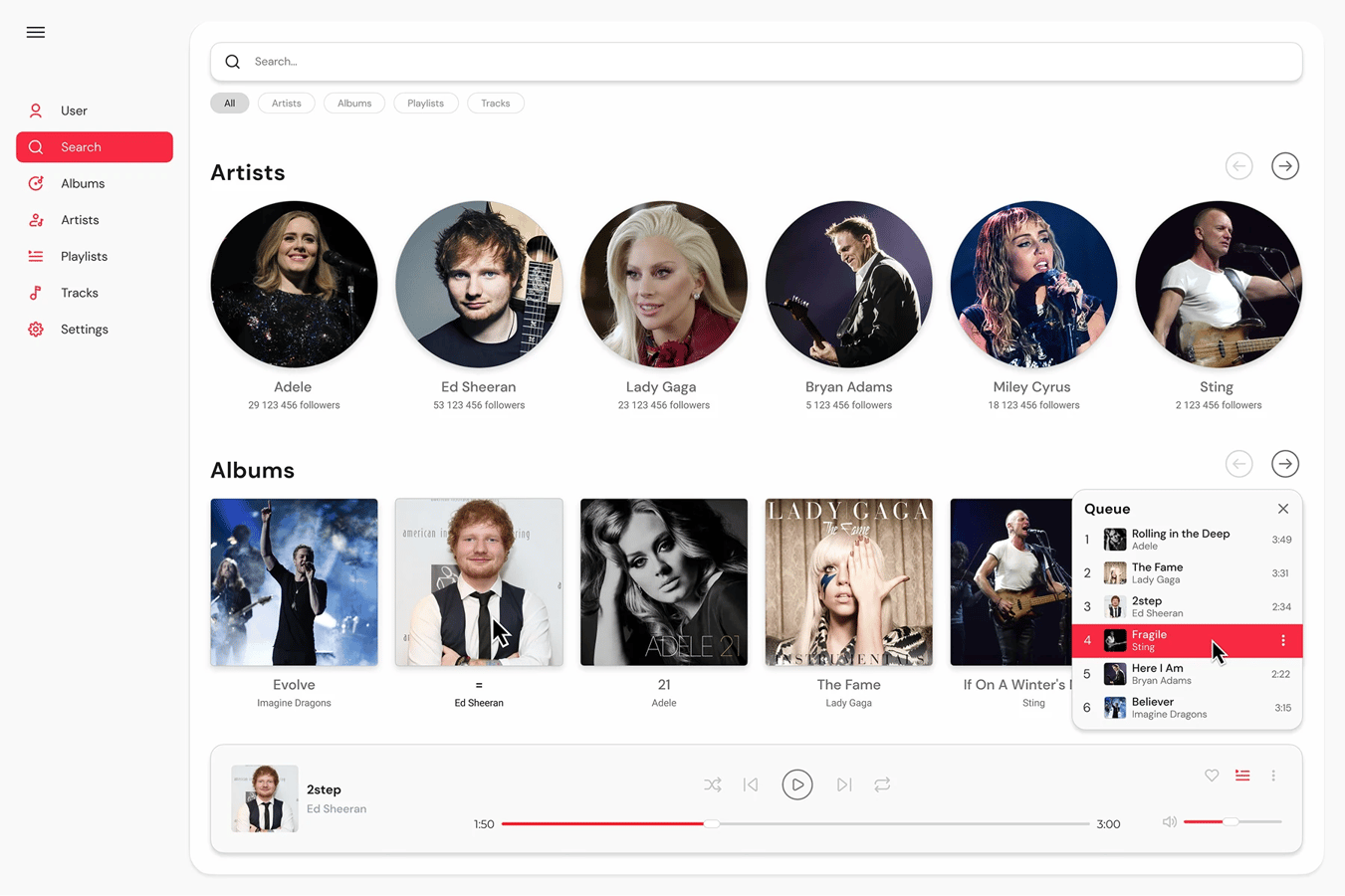
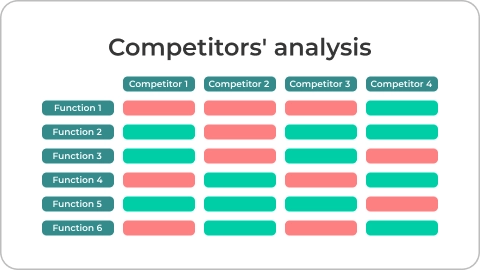
We review your goals, users, competitors, and priorities to define what the MVP should test, communicate, and include.
Research image
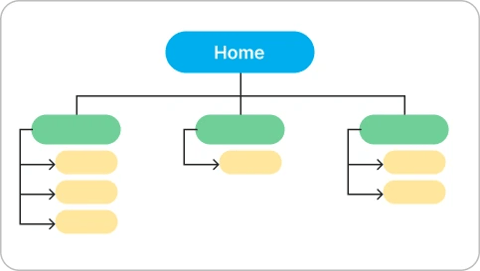
Sitemap
Organize pages and content into a clear product structure before moving into wireframes.
Sitemap image
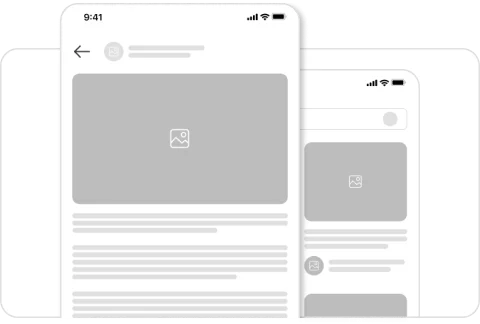
Wireframes
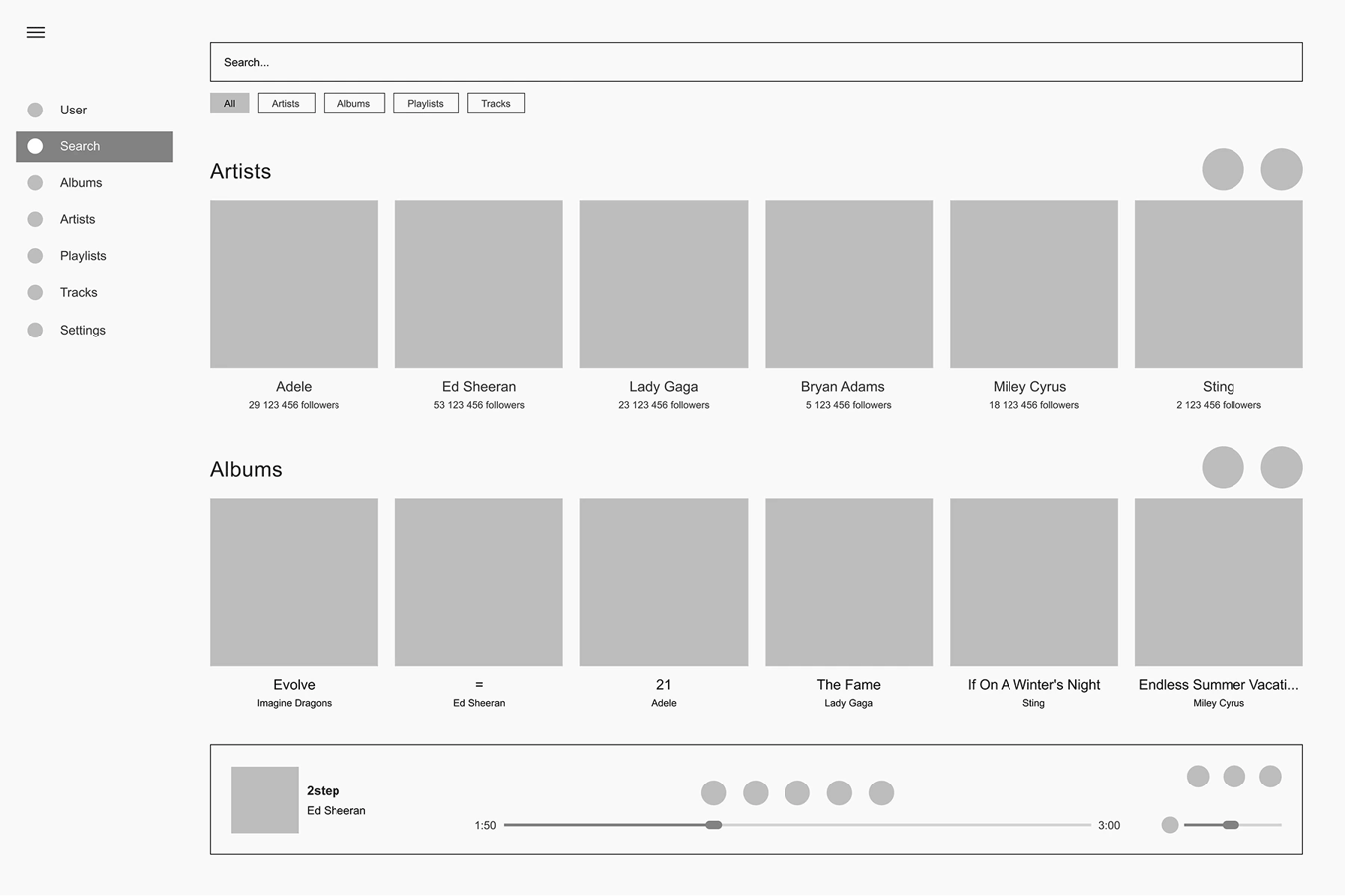
Wireframes let you review structure, functionality, and missing states before the design becomes polished — when changes are still fast to make.
Wireframes image
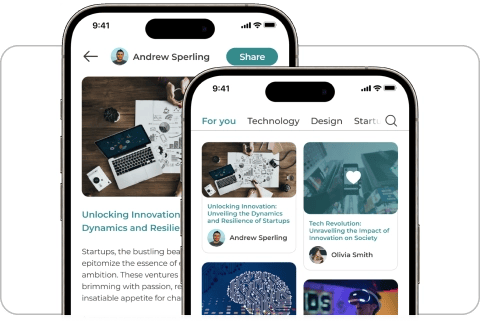
UI design
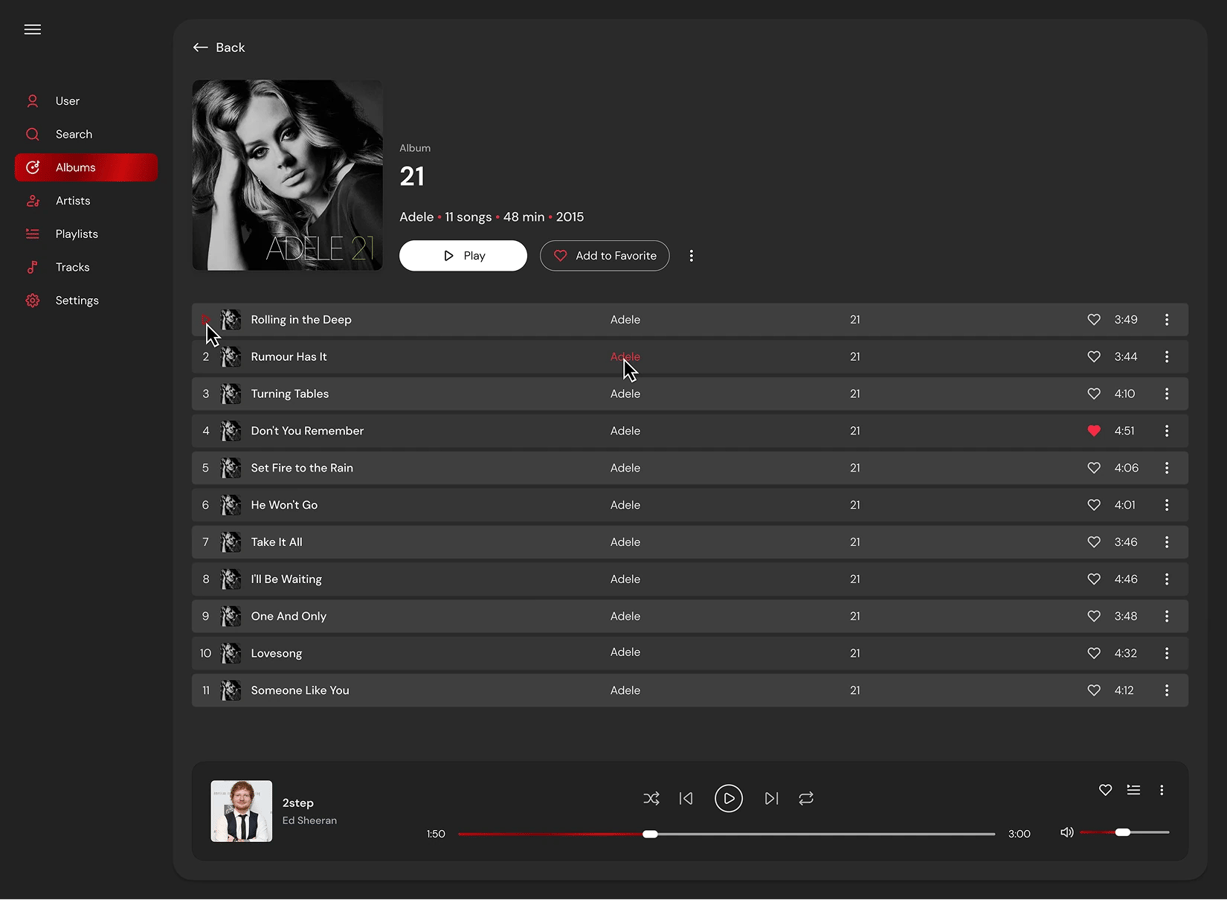
Creating the visual interface, refining the design direction, and preparing polished screens.
UI design image
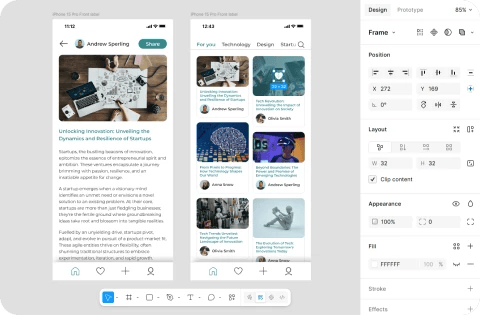
Developer handoff
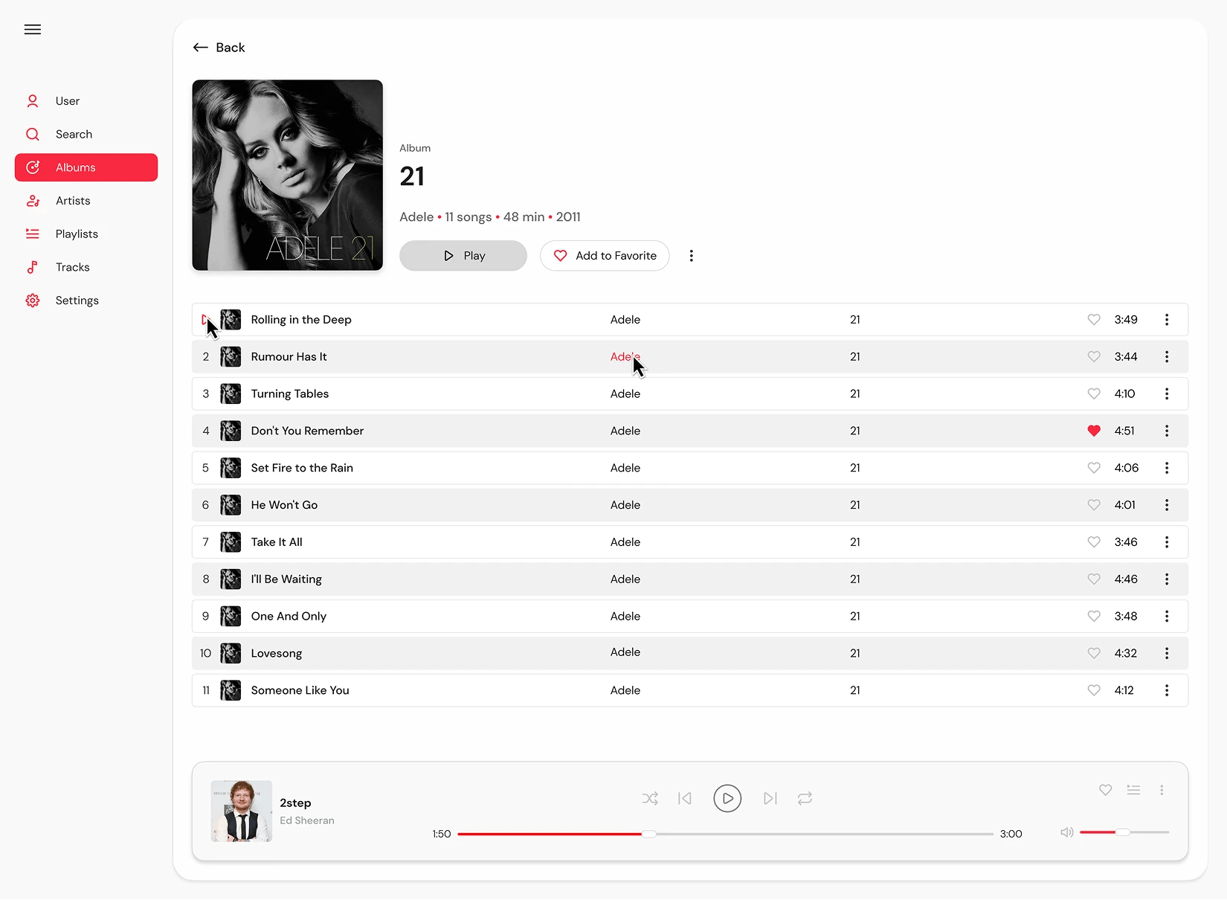
Organize Figma files, components, and specifications so developers can build efficiently.
Developer handoff image

What build-ready design looks like

See how MVP Design moves from wireframes and key screens to organized handoff materials your team can review, refine, and use for development planning.

Explore Design Case

Choose the level of MVP design your product needs

Human expertise

Pro

$10,000

Best for established brands & funded teams

Select Package
You'll receive
  • Website + Mobile app design
  • Up to 30 screens
  • Sitemap & User flow
  • Competitor analysis
  • Wireframes
  • Responsive design
  • UI kit
  • Accessibility (WCAG)
  • Logo & Brand identity
  • Figma developer handoff
Popular

Standard

$4,000

Best for startups preparing to launch

Select Package
You'll receive
  • Website OR Mobile app design
  • Up to 10 screens
  • Sitemap
  • Competitor analysis
  • Wireframes
  • Responsive design
  • UI kit
  • Accessibility (WCAG)
  • Figma developer handoff
AI-assisted

Lite

$400

Best for early ideas that need visual direction

Select Package
You'll receive
  • One-page site OR Mobile app design
  • Up to 5 screens
  • AI-generated visuals
  • Figma developer handoff

See the full package comparison

Need help choosing the right option?

Share your product goals, timeline, and current materials.
We’ll recommend the right approach for your next step.

Hot Meals delivered to your door
Your health, in your pocket
Welcome to the world of harmony, and movement
Flower for every special moment
Where comfort meets elegance

Need a validation page first?

Launch a no-code page in 7 days when you need a credible place to present your idea, capture early demand through waitlist signups or demo requests, and test messaging before moving into a larger MVP scope.

Includes responsive layout, lead capture, basic SEO, analytics, and launch-ready setup.

Launch a Validation Page

FAQ

Yes. We can start from a validated idea, rough brief, product notes, references, or an existing concept. The process helps clarify what the first version should include, how it should work, and what needs to be decided before development.
Not always. For an MVP, the priority is to design the main flows, key screens, and important states needed to review, estimate, and build the first version. Smaller scopes can focus on the core journey, while larger products may need a fuller design foundation.
Figma design can be enough to start development planning when it includes more than polished screens: user flows, key states, responsive behavior, notes, and handoff materials. For full development, you may still need technical requirements, backend logic, API decisions, and a confirmed scope of work.
A useful MVP design handoff usually includes organized Figma files, key screens, reusable components, interaction notes, responsive behavior, and important states such as empty, error, or loading screens. The exact handoff depends on the package and product scope.
Yes. We prepare Figma files, notes, and specifications so your internal or external developers have a clear reference to build from. If needed, we can also support the handoff with clarification or development planning.
Yes. If your immediate goal is to present the idea, collect waitlist signups or demo requests, and test messaging with real users, a no-code validation page may be enough. If you need product flows, screens, and development-ready design direction, MVP Design is the better path.
You can use the design to estimate development, prepare a scope of work, build with your own team, or continue with SmithySoft for a no-code launch or custom development.
Yes. We can build a no-code validation page or continue with MVP development, depending on the product scope. If you need a simple public-facing page, no-code may be the faster option. If the product needs user accounts, databases, integrations, or complex logic, MVP development is usually the better path.

Schedule a consultation with our team

Choose a time that works for you

Galina Berezina photo
Galina Berezina
COO
Schedule a consultation
Schedule with Galina

Not sure which level fits? Get a recommendation

Our team will review your request and follow up to schedule a call.

0 / 10000
By submitting this form, you agree to our processing of your personal data in accordance with our Privacy Policy.